
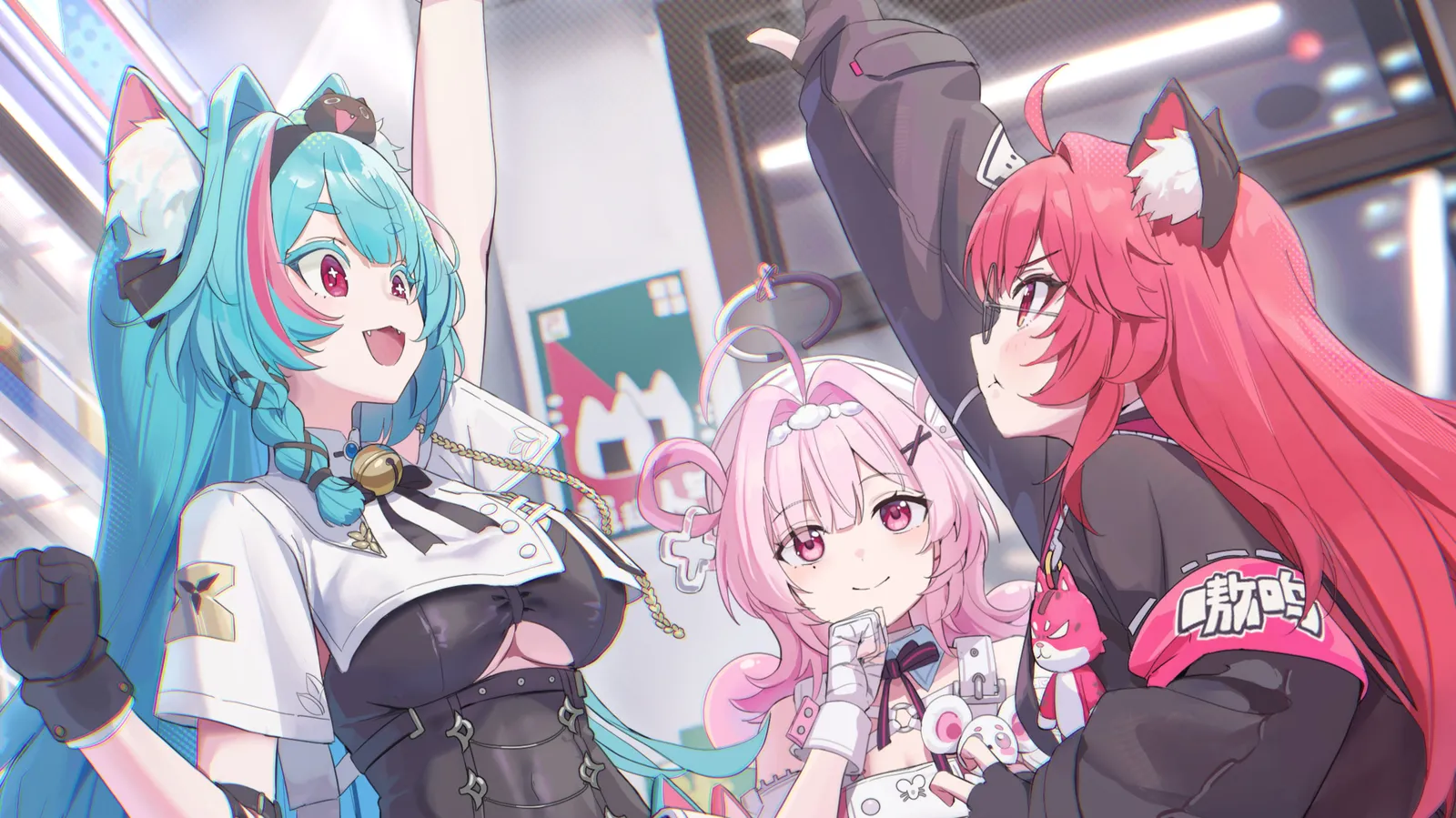
Image maps without the percentages.
Drop an image, drag out the areas and give each one a link. The builder writes the coordinates. In the preview, clicking an area shows the osu! player or page it points to before anything opens.
Write your userpage in BBCode and see it the way osu! will show it, as you type. Broken tags get caught before you paste, and image maps and tables get built for you.
Free and in your browser. Sign in with osu! to keep your pages in the cloud.
[centre][size=200][b][color=#FF66AB]Y[/color][color=#E671C2]o[/color][color=#CD7BD8]u[/color][color=#B486EF]r[/color][color=#A195FA]N[/color][color=#95AAFB]a[/color][color=#89BEFB]m[/color][color=#7DD3FC]e[/color][/b][/size]
[i]mapper, tablet player, awake at 3am[/i]
[imagemap]
https://hxovc.s-ul.eu/5xNRfhbX
15 23 18 32 https://osu.ppy.sh/users/hxovc hxovc
50 48 15 27 https://osu.ppy.sh/users/Sarichus Sarichus
65 23 16 28 https://osu.ppy.sh/users/ElMick33 ElMick33
[/imagemap]
[size=85][i]art: [url=https://www.pixiv.net/en/artworks/144217316]ミント、ナナリ、ちぃちゃん[/url] by [url=https://www.pixiv.net/en/users/61697971]tem[/url][/i][/size]
[/centre]
[box=about me]
hi! I map [b]stream[/b] maps and play way too much [color=#7dd3fc]tech[/color].
my first ranked set is almost done.
[/box]
[box=setup]
[list]
[*][b]tablet[/b] Wacom CTL-472, full area
[*][b]keyboard[/b] custom 60%
[/list]
[/box]
[notice][centre]now playing [i]Freedom Dive[/i][/centre][/notice]
Code on the left, your profile on the right, always in step. Point at a line and its block lights up; point at a block and you get its lines.
[centre][size=200][b]YourName[/b][/size]
[i]mapper, tablet player, awake at 3am[/i][/centre]
[box=about me]
hi! I map [b]stream[/b] maps and play way too much [color=#7dd3fc]tech[/color].
my first ranked set is almost done.
[/box]
[box=setup]
[list]
[*][b]tablet[/b] Wacom CTL-472, full area
[*][b]keyboard[/b] custom 60%
[/list]
[/box]
[notice][centre]now playing [i]Freedom Dive[/i][/centre][/notice]
Spell it [center], forget one [/b], and osu! prints the tags on your profile as plain text. Nothing warns you. You find out after you save, or when someone tells you.
Miliastry checks your BBCode as you type and points at the line before it reaches your profile. Many problems come with a fix you apply in one click.
The preview uses osu!'s own class names and colours, and is tested against osu!'s BBCode examples and real userpages.
[center][size=150][b]YourName[/b][/size][/center]
[box=about me]
I map [i]hard[/i] stream maps and play tech.
[url=osu.ppy.sh/beatmapsets]my maps[/url]
[b]now playing: Freedom Dive
[/box]
Image maps, tables and whole profile sections used to mean a notepad, a calculator and a lot of saving. In Miliastry each one has a tool, and every tool writes plain BBCode you can still read and edit.
Drop an image, drag out the areas and give each one a link. The builder writes the coordinates. In the preview, clicking an area shows the osu! player or page it points to before anything opens.
Block Templates insert ready-made sections you fill in instead of writing from scratch. Several can read your osu! profile and fill themselves in: rank, pp, top play, socials.
[centre]
[box=✧ YourName ✧]
[size=130][b]YourName[/b][/size]
[size=85][i]osu! player[/i][/size]
Write something about you...
[size=75]🌍 Country[/size]
[/box]
[/centre]
osu! BBCode has no table tag. The Table Builder lines your cells up inside a code block, so the columns stay straight on every profile. Edit a cell and watch it re-align.
[code]
╭──────┬───────┬──────────╮
│ Mod  │ Plays │ Accuracy │
├──────┼───────┼──────────┤
│ HD   │ 1,204 │   98.12% │
│ HDDT │   312 │   96.40% │
│ HR   │    87 │   97.05% │
╰──────┴───────┴──────────╯
[/code]
╭──────┬───────┬──────────╮
│ Mod │ Plays │ Accuracy │
├──────┼───────┼──────────┤
│ HD │ 1,204 │ 98.12% │
│ HDDT │ 312 │ 96.40% │
│ HR │ 87 │ 97.05% │
╰──────┴───────┴──────────╯The small things that add up to never opening a notepad for your profile again.
YourName
You write[gradient=#ff66ab,#a78bfa,#7dd3fc]YourName[/gradient]
osu! gets 192 characters[color=#FF66AB]Y[/color][color=#E671C2]o[/color][color=#CD7BD8]u[/color][color=#B486EF]r[/color][color=#A195FA]N[/color][color=#95AAFB]a[/color][color=#89BEFB]m[/color][color=#7DD3FC]e[/color]
Write one [gradient] tag. Miliastry exports a [color] for every letter, the only way osu! can show it. Type your own name.
Type an abbreviation
Every command one shortcut away. Abbreviations expand to nested tags as you type.
osu!, Miliastry and SYNE built in. More arrive as plugins.
[box=our collab]
[imagemap]
https://hxovc.s-ul.eu/5xNRfhbX
15 23 18 32 https://osu.ppy.sh/users/hxovc hxovc
50 48 15 27 https://osu.ppy.sh/users/Sarichus Sarichus
65 23 16 28 https://osu.ppy.sh/users/ElMick33 ElMick33
[/imagemap]
[size=85][i]art: [url=https://www.pixiv.net/en/artworks/144217316]ミント、ナナリ、ちぃちゃん[/url] by [url=https://www.pixiv.net/en/users/61697971]tem[/url][/i][/size]
[/box]
Share a link and work on the same page at the same time.
[centre][size=150][b]YourName[/b][/size][/centre]
[box=about me]
hi! I map [b]stream[/b] maps.
[/box]
Copy your userpage straight off osu! and paste it in. It comes back as BBCode.
The editor reflows for tablets and phones, so an idea on the bus is not lost.
Try it: this copies the page from the editor above.
Export gives you exactly what osu! expects, and nothing it would print as text.
Publish a page or a block, and let others star it, comment on it and start from it.
[centre][size=150][b]YourName[/b][/size]
[i]modding queue: open[/i]
[notice][centre][b]queue rules[/b]
std only, 4+ minutes, no anime openings
(okay, some anime openings)[/centre][/notice][/centre]
[box=ranked sets]
[list]
[*]Artist - Song [Insane]
[*]Artist - Another Song [Extra]
[/list]
[/box]
Switch the editor from code to blocks. Select, drag and type on the page itself, and the BBCode follows every change.
Your osu! account is your Miliastry account. No new password.
Copy your userpage straight off your osu! profile and paste it into the editor. It comes back as BBCode.
Pages autosave as drafts and sync to your library, on a desktop, a tablet or a phone.
Export BBCode gives you exactly what osu! expects. Paste it into your profile and save once.
A mapper
A tournament player
Someone who just likes boxes
Example pages, built from the same blocks every new page starts with.
What people ask before their first page: what Miliastry is, how it fits osu!, and why a tag sometimes prints as text.
Miliastry is a free osu! BBCode editor and userpage maker that runs in your browser. It is also a visual builder: write BBCode directly, or edit the rendered page and let Miliastry write the tags.
Open the editor and start from a blank page, a block template, or your current userpage pasted from osu!. Edit in code or on the canvas, check the result in the preview, then export the BBCode and paste it into your osu! profile.
Yes. Canvas Studio edits the rendered page directly: select a block, drag it, type on it, and the BBCode follows. The code editor stays one switch away, so you can move between both views of the same document.
osu! prints a tag as text when it does not know it, or when it is unclosed or crossed. A common one is [center]: osu! expects [centre]. Miliastry checks the page as you type, points at the line, and fixes most findings in one click.
Drop the image into the Image Map builder, draw the areas, and give each one a link. The builder writes the coordinates and the BBCode, and the preview lets you test every area before you paste it into your profile.
Yes. Miliastry is free to use, and editing works in the browser without installing anything. It is made by one person and supported through Ko-fi.
No. You can write and export a page without signing in. Signing in with osu! adds cloud saving, your library and the Workshop, and uses osu!'s own OAuth, so there is no separate password.
Yes. The editor reflows for tablets and phones, and pages sync to your library, so you can start on one device and finish on another.
The preview uses osu!'s own class names and colours and is tested against osu!'s BBCode examples and real userpages. Export produces only BBCode osu! accepts, with nothing it would print as text.
No. Miliastry is independent and not affiliated with osu! or ppy Pty Ltd. It signs you in with osu!'s OAuth and exports BBCode for your profile, nothing more.
Quasar is the BBCode document engine behind Miliastry: a TypeScript parser with an incremental syntax tree, diagnostics and exporters. It keeps the code editor, the canvas and the preview on the same document.