 Miliastry
Miliastry, in pictures
Gallery
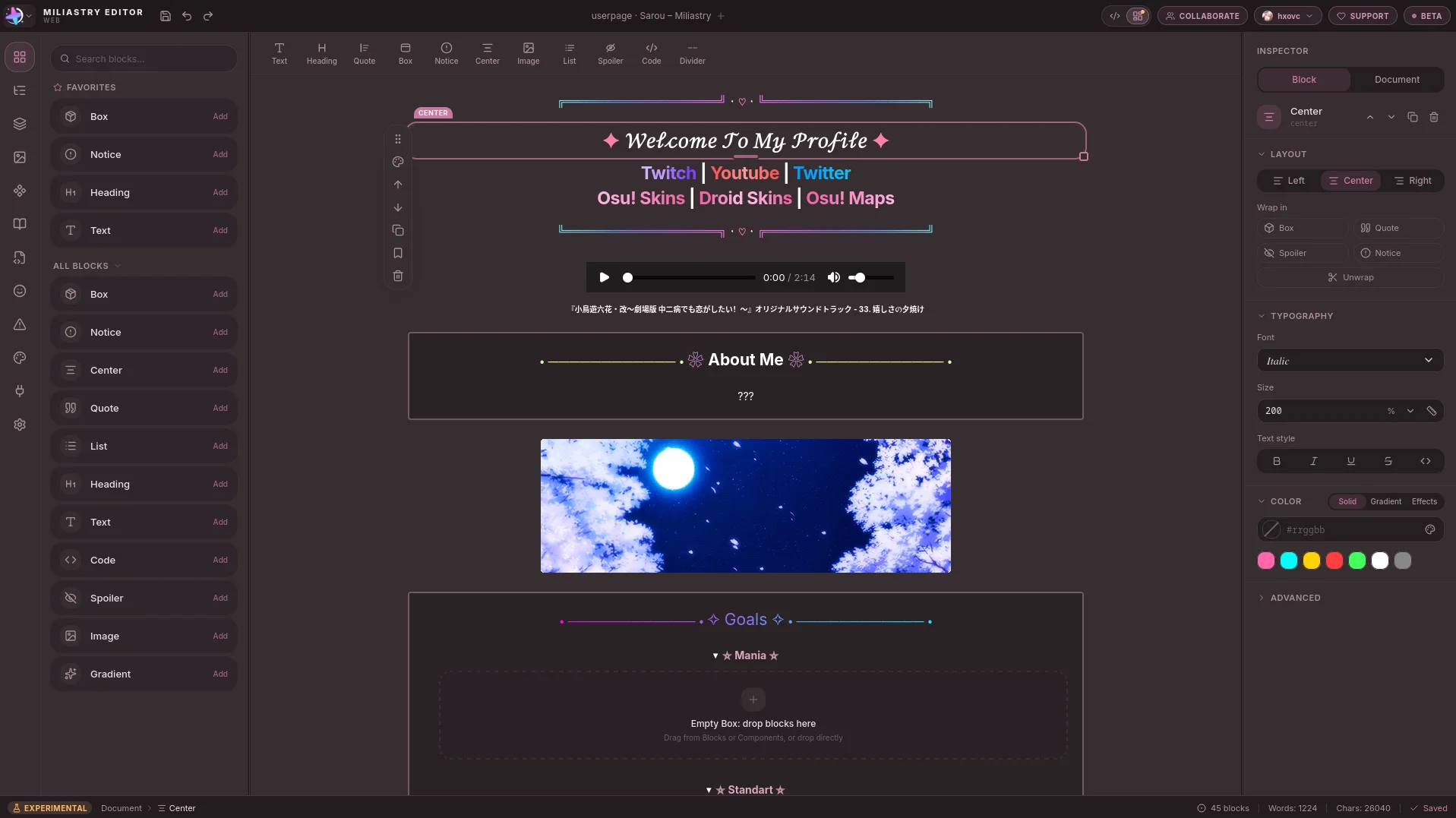
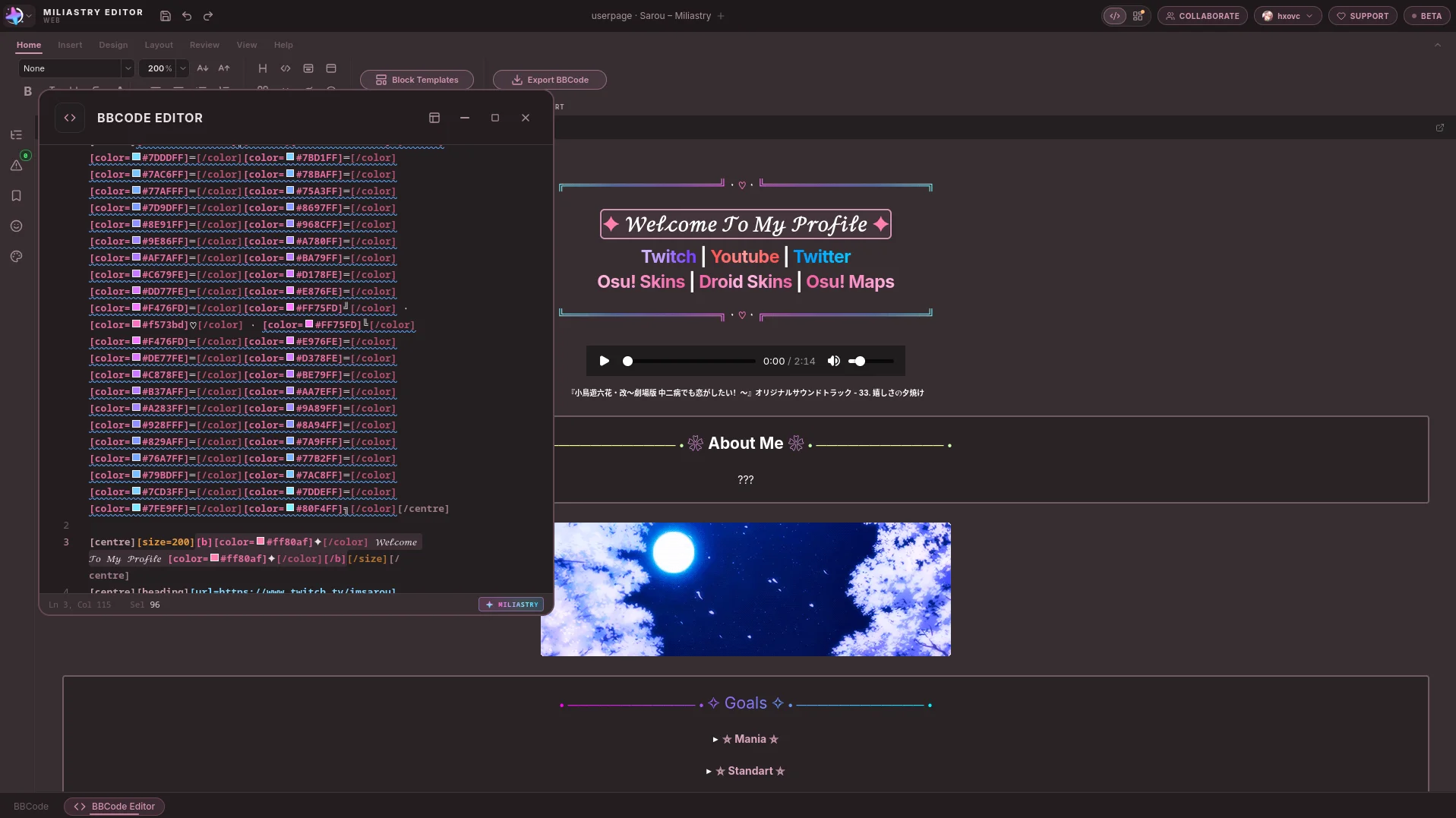
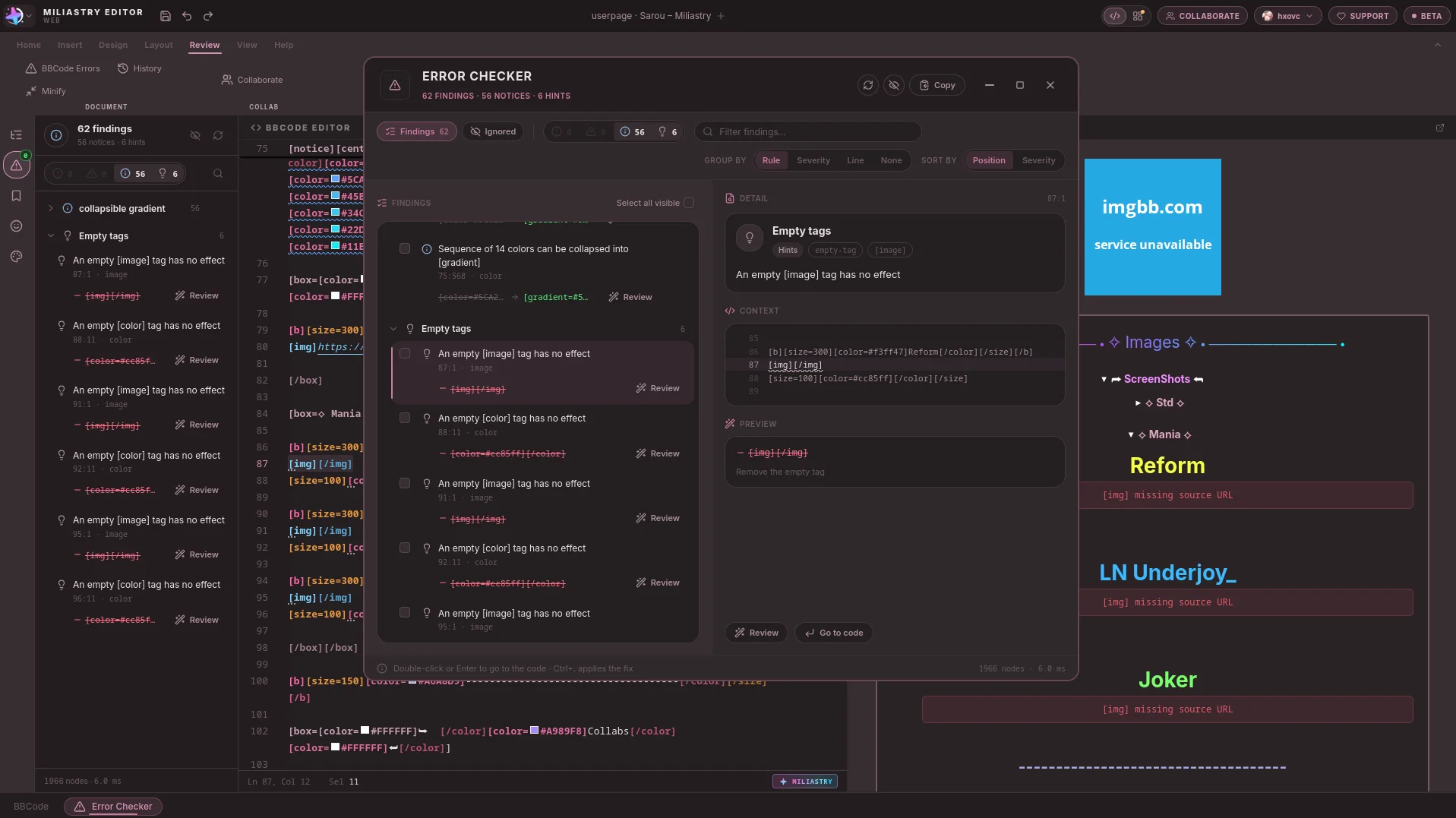
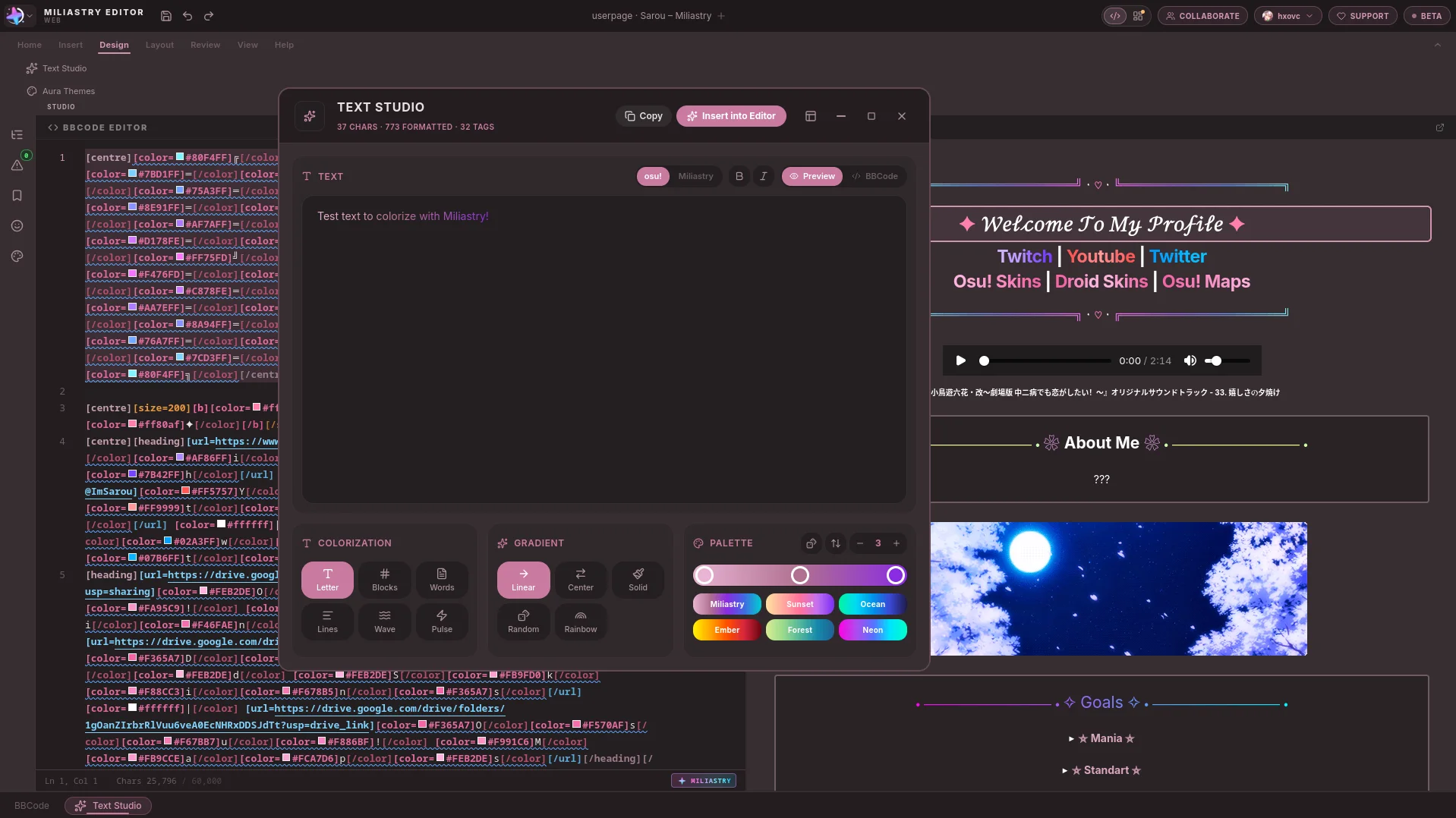
The app as it is, not a mockup: Canvas Studio, the BBCode and the osu! preview in the same window, the checker’s findings, Text Studio and the themes.
Canvas Studio
Edit the page itself: select a block, drag it, and the inspector writes the BBCode.
Code and preview
The code on the left and the page as osu! shows it on the right, in the same window.
Error Checker
Findings grouped by rule, with the exact range, the preview of the fix and a jump back to the code.
Text Studio
Colour and gradients by letter, word or block, exported as the BBCode osu! understands.
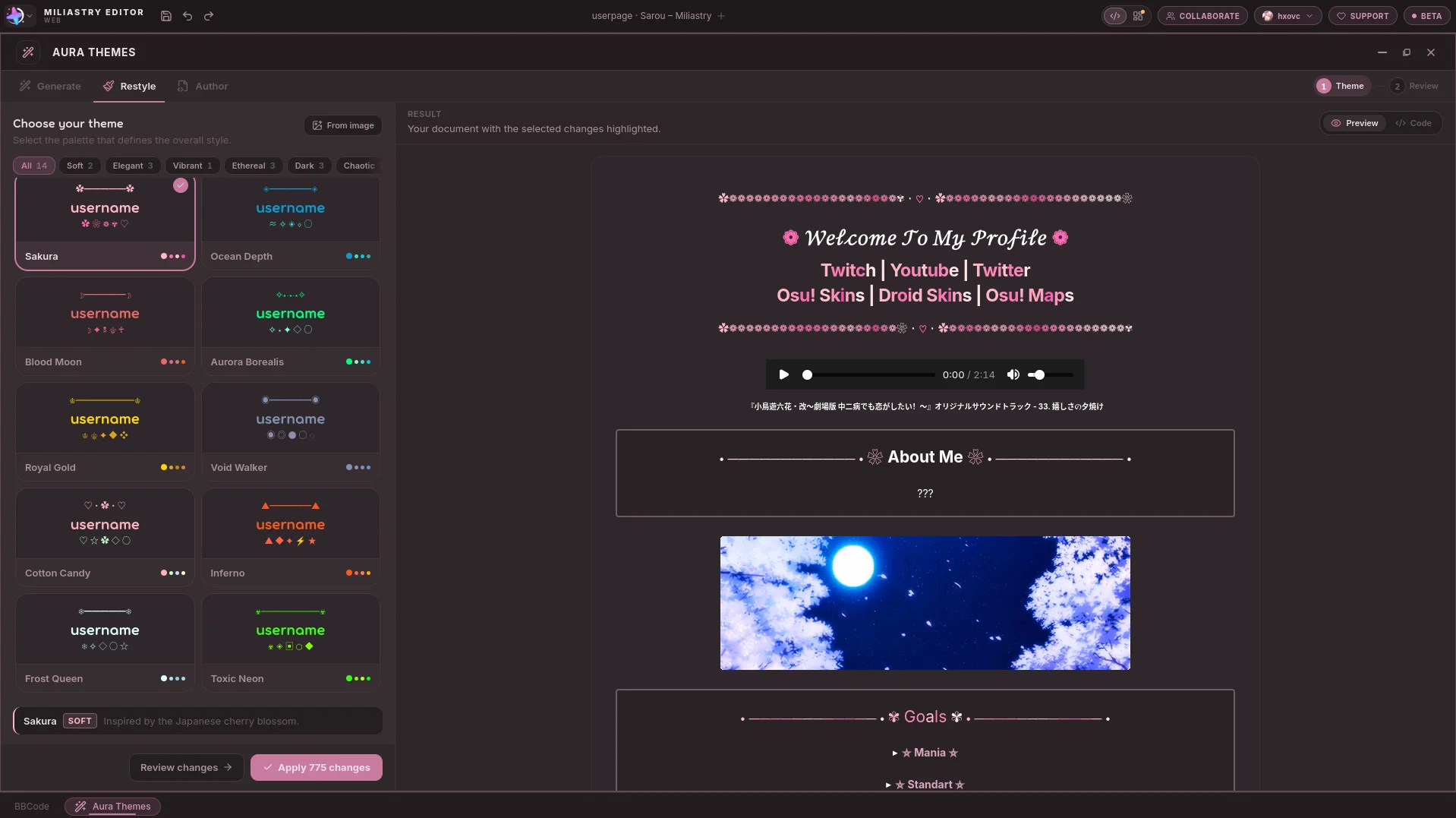
Aura Themes
Twelve themes for a page, previewed before applying 775 changes in one go.
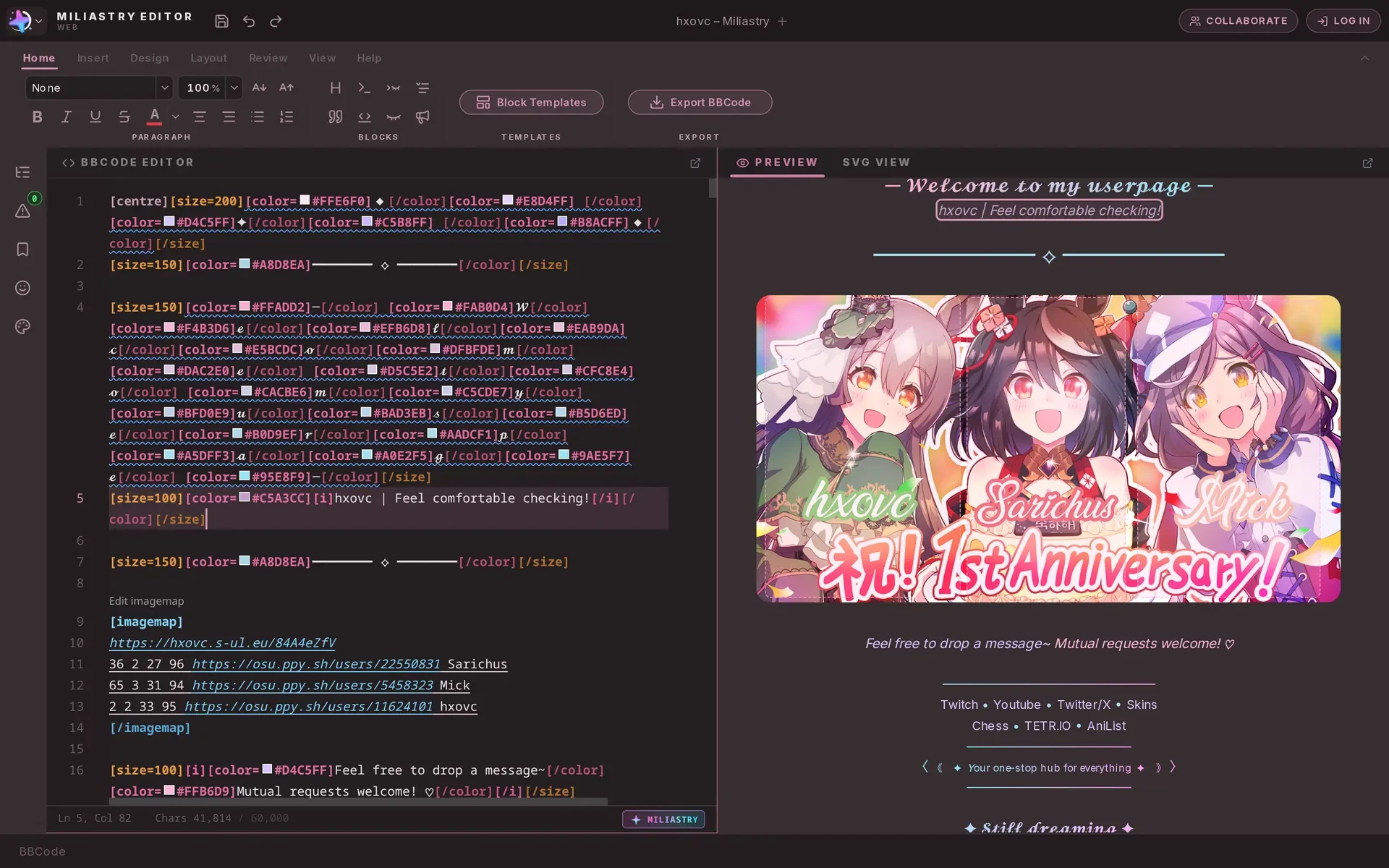
The editor
The whole workspace: ribbon, code, preview and the page status in one window.
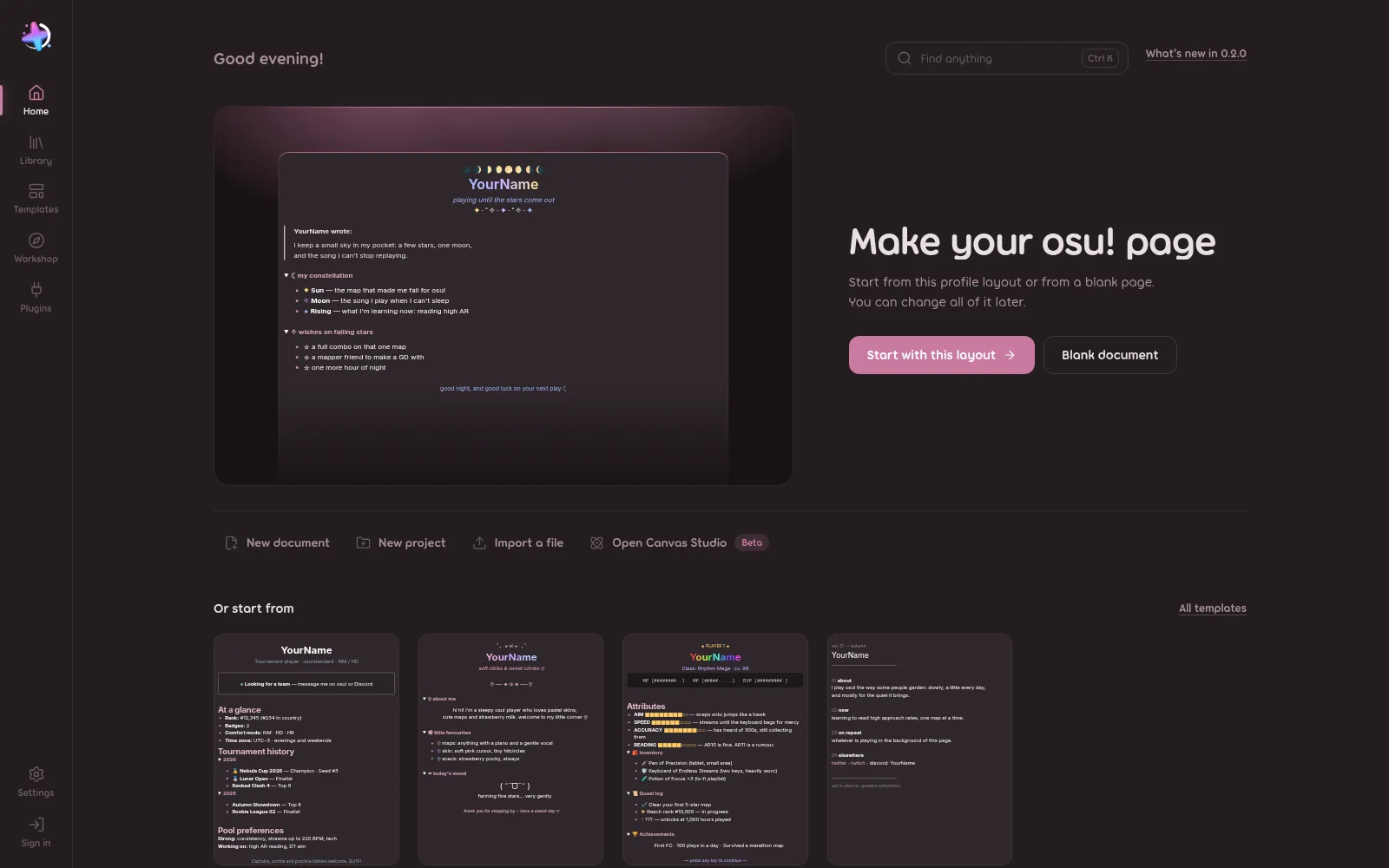
First run
Start from the suggested layout, a template or a blank page.
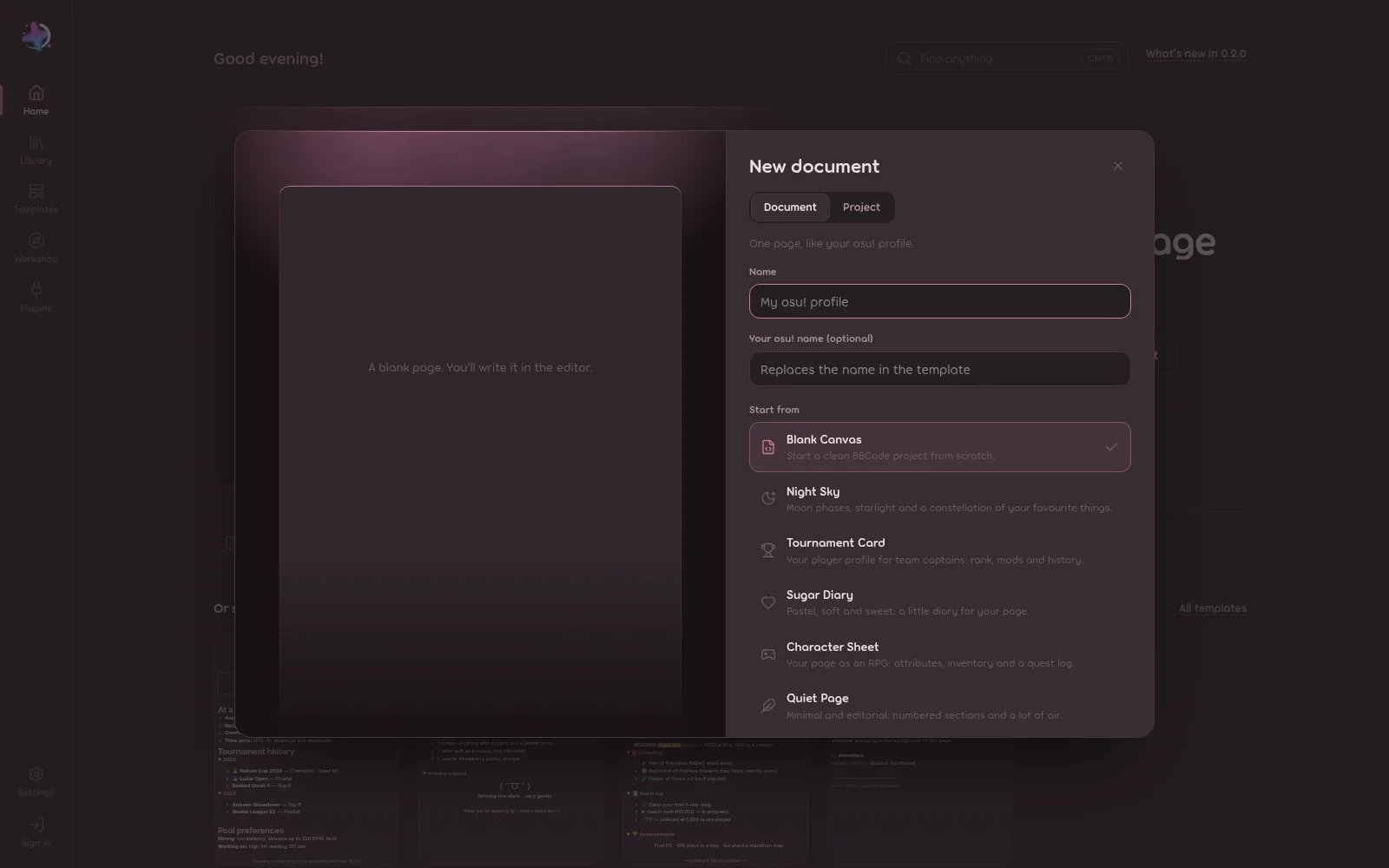
New document
Name the page, add your osu! name and pick where to start.
Every image is a real screenshot of the app. Open one to see it at full size.